10 HTML Pro Tricks You Need To Know
Hey, I'm Ishaan 👋 And I make awesome things for awesome people with code! 🚀 I bring ideas to life. I love to supercharge my learning by having fun, and then sharing that process with you! 🤓 I'm a web developer with over 5 years of experience. Thanks for checking my profile!
What is HTML?
Hypertext Markup Language (HTML) is the standard markup language for documents designed to be displayed in a web browser.
It can be assisted by technologies such as Cascading Style Sheets (CSS) and scripting languages such as JavaScript.
10 HTML Pro Tips
StartAttribute
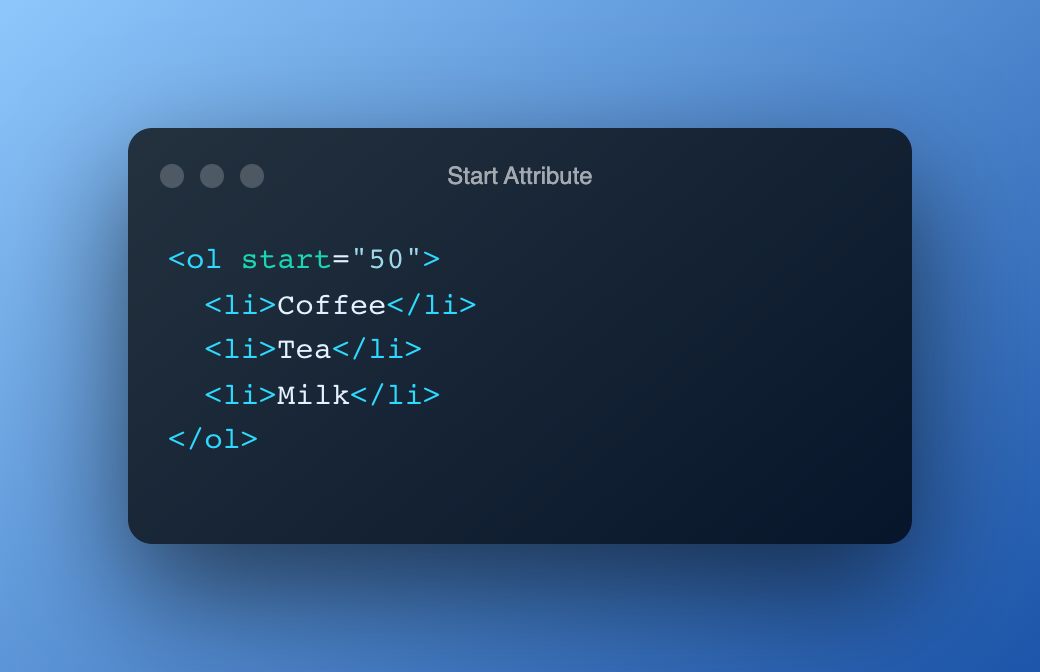
The start attribute specifies the start value of the first list item in an ordered list. This value is always an integer, even when the numbering type is letters or romans.
<abbr>Tag
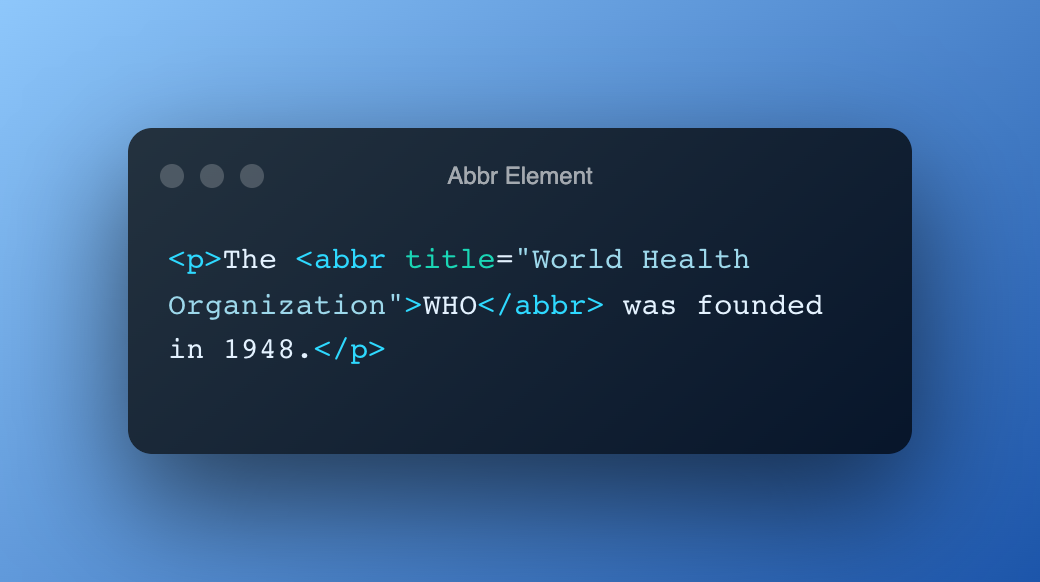
The <abbr> tag defines an abbreviation or an acronym, like "HTML", "CSS", "Mr.", "Dr.", "ASAP", "ATM".
<meter>Tag
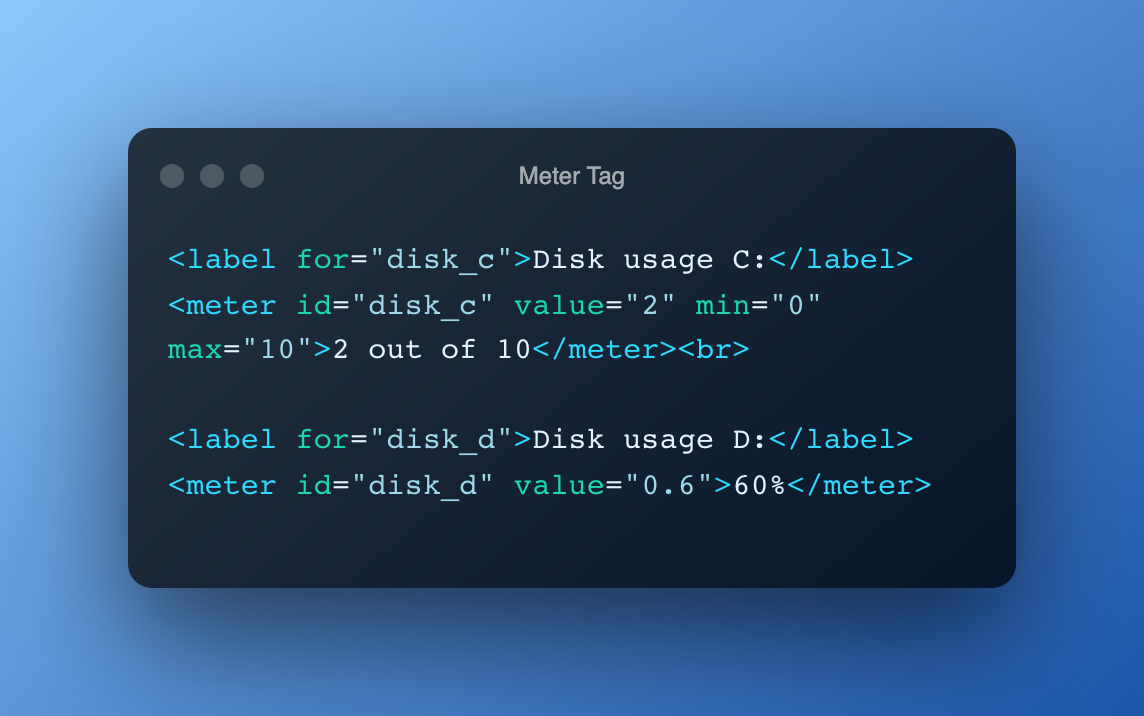
The <meter> tag defines a scalar measurement within a known range, or a fractional value. This is also known as a gauge.
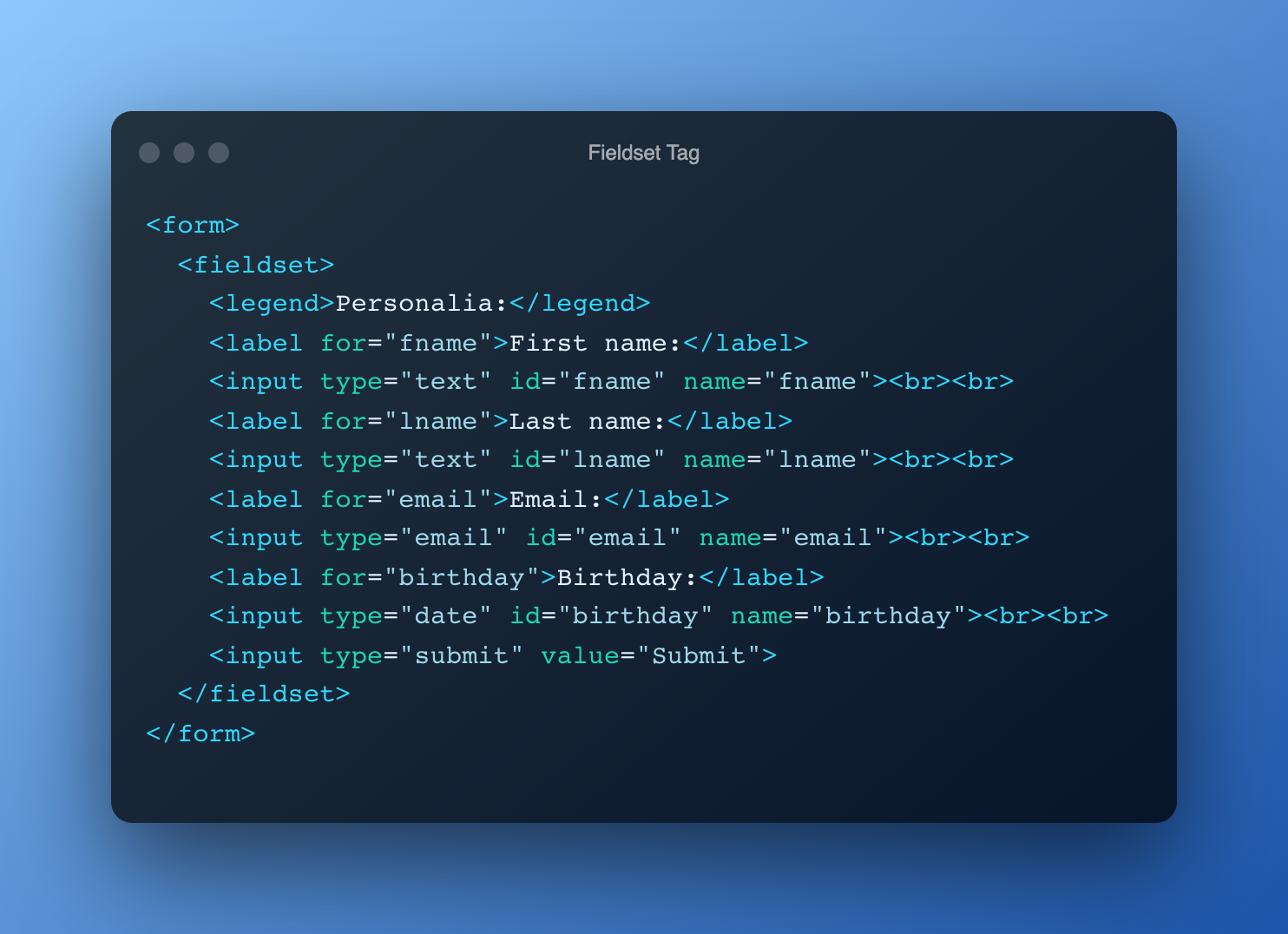
<fieldset>Tag
The <fieldset> tag is used to group related elements in a form.
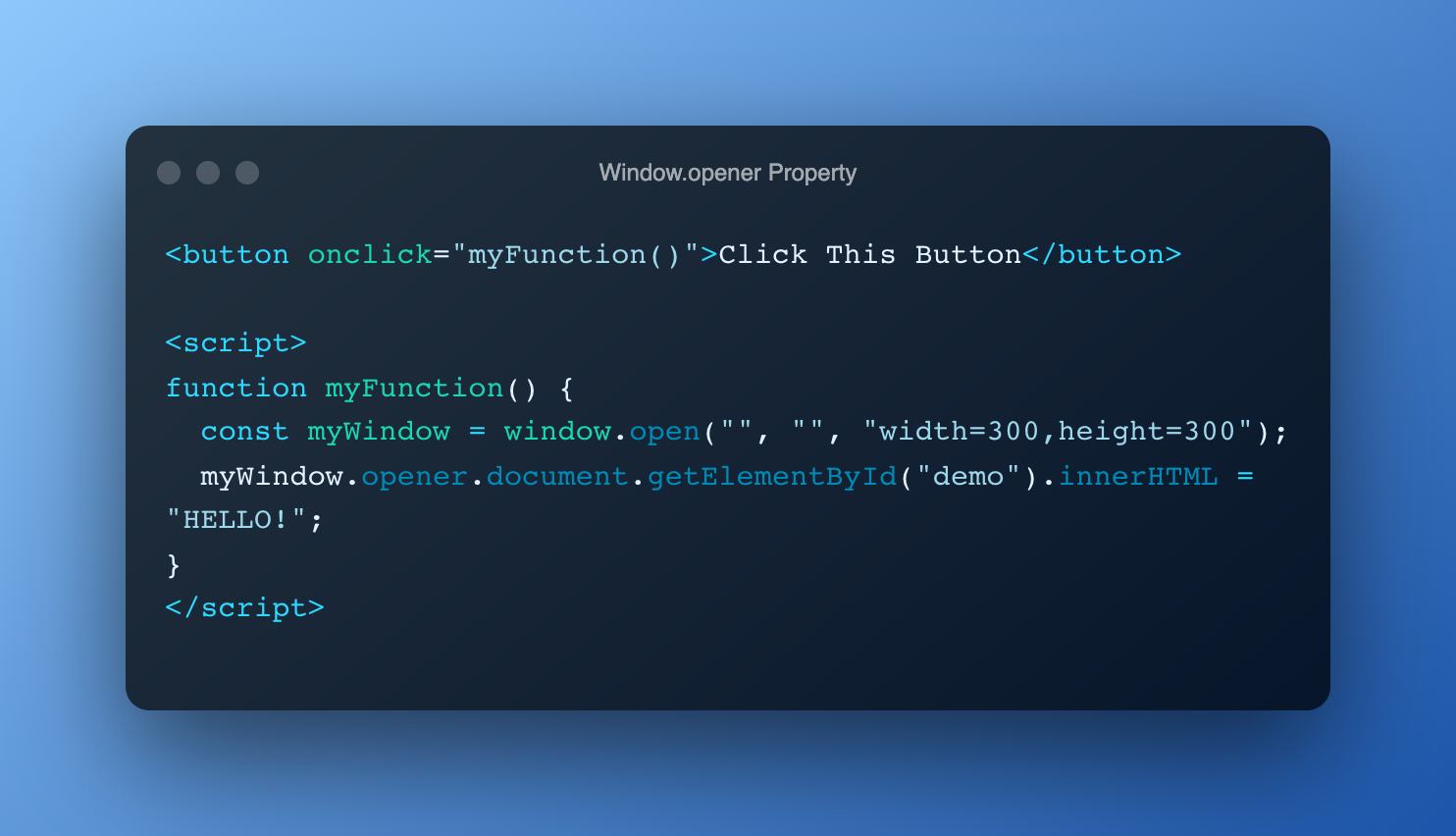
Window.openerProperty
The opener property returns a reference to the window that created the window.
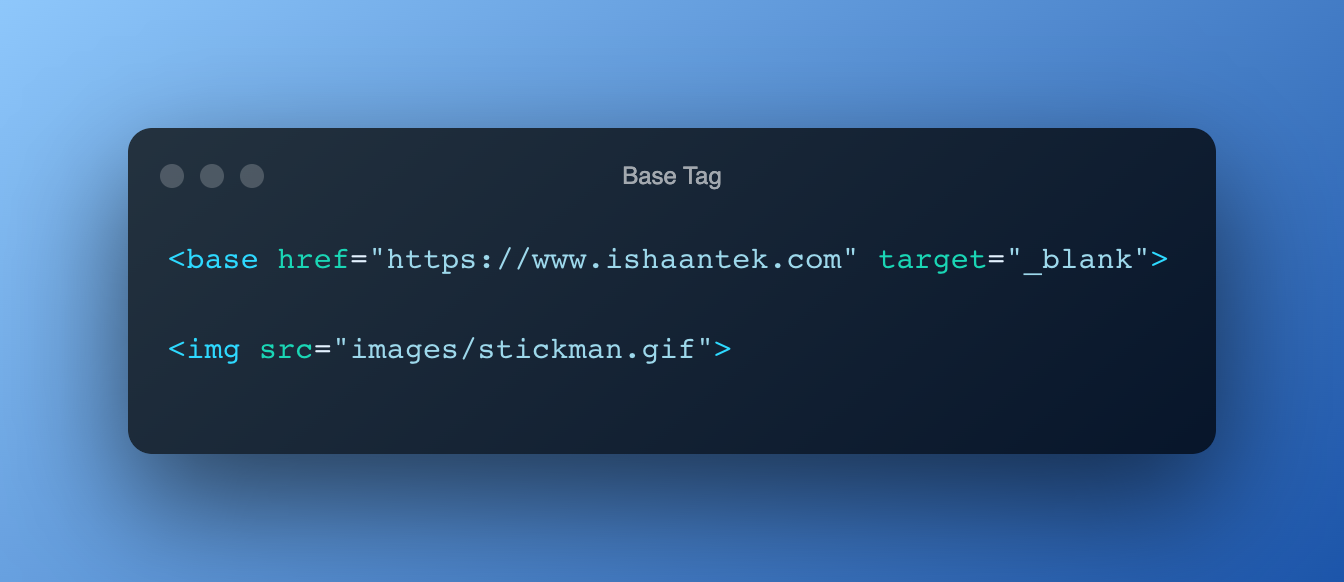
<base>Tag
The <base> tag specifies the base URL and/or target for all relative URLs in a document.
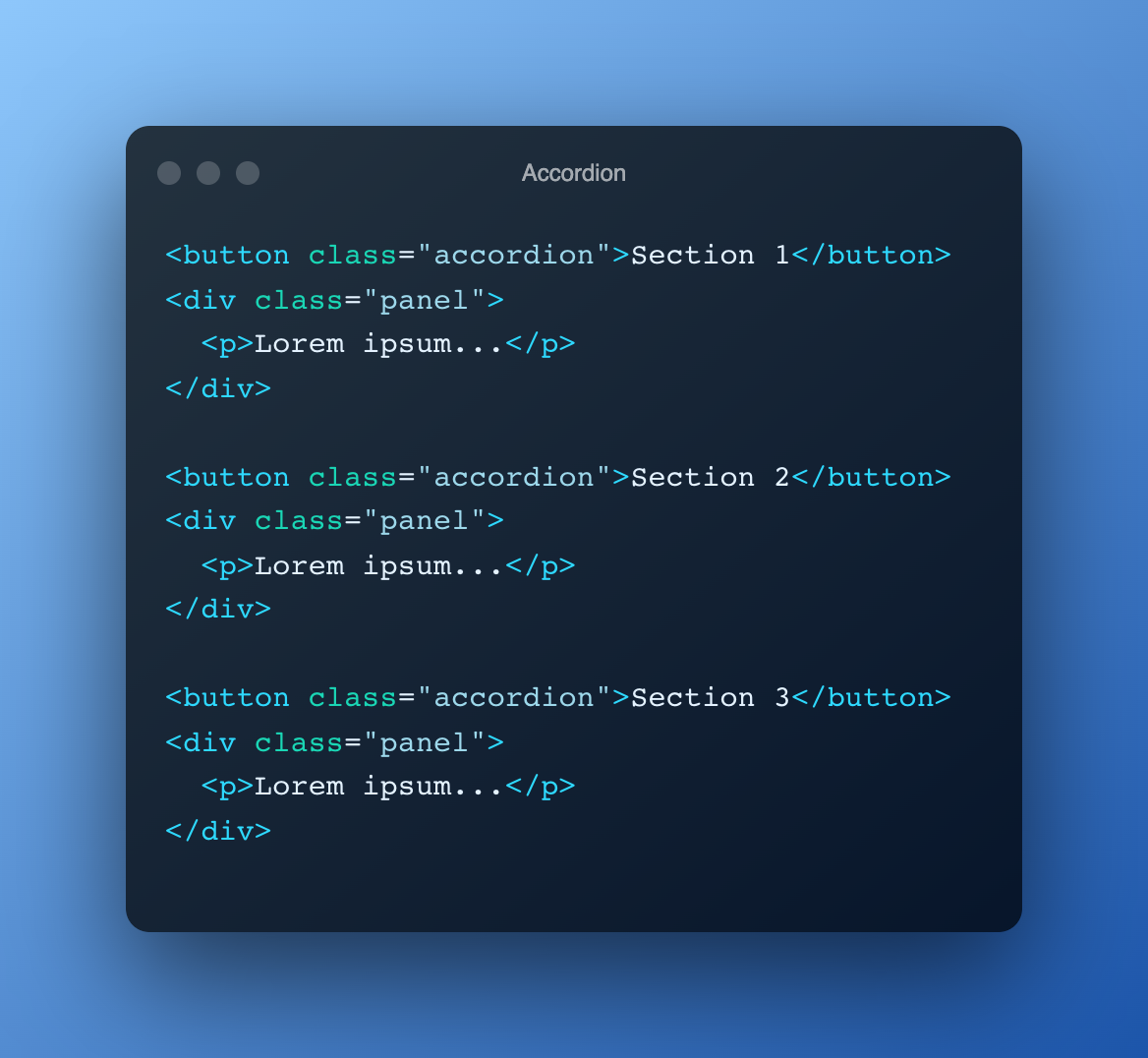
Accordion
The accordion is useful when you want to toggle between hiding and showing a large amount of content:
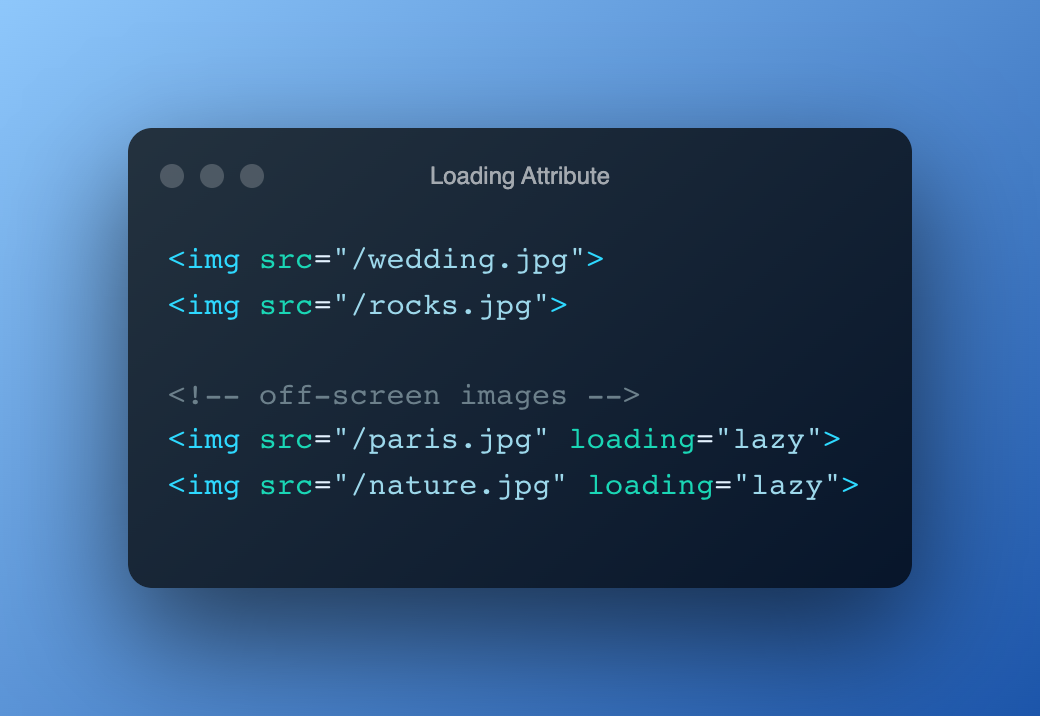
loading=lazyAttribute
The loading attribute specifies whether a browser should load an image immediately or to defer loading of off-screen images until for example the user scrolls near them.
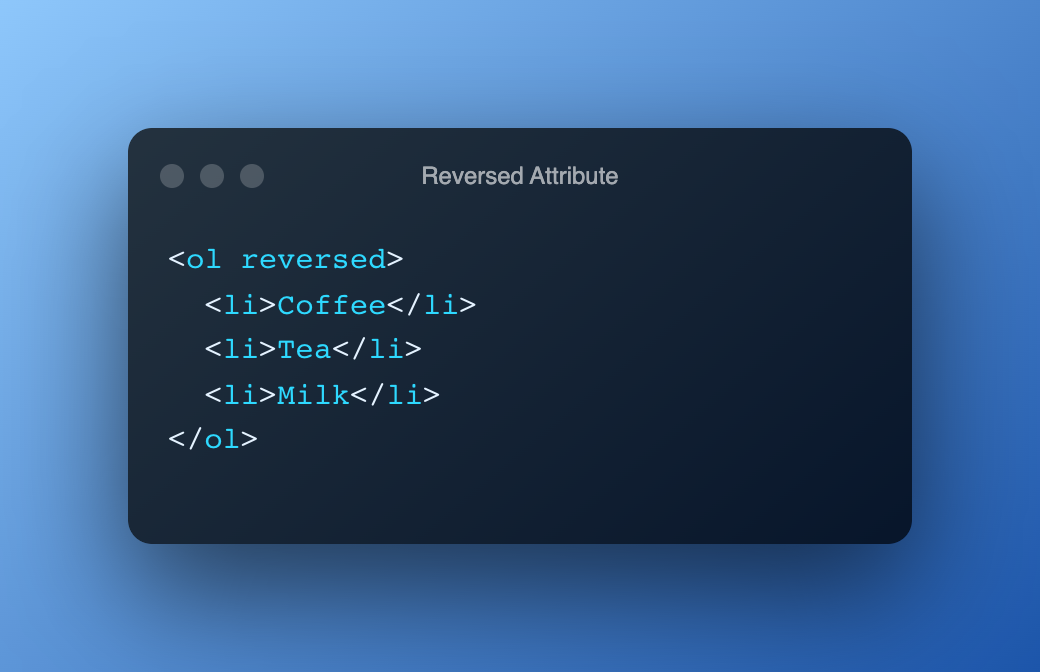
<ol> reversedAttribute
The reversed attribute specifies that the list order should be descending (9,8,7...), instead of ascending (1, 2, 3...).
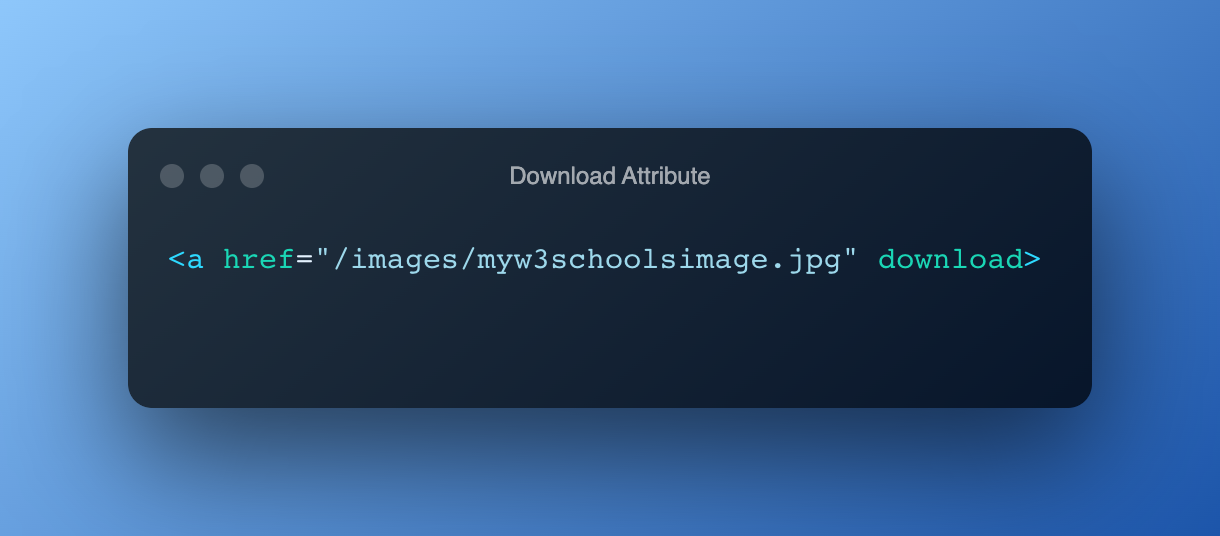
DownloadAttribute
The reversed attribute specifies that the target (the file specified in the href attribute) will be downloaded when a user clicks on the hyperlink.
I hope you all enjoyed this article and were able to learn some new HTML features! If you have any doubts or questions, make sure to write them in the comments below. Also, please add a reaction to this article and rate it out of 10. I really appreciate it 🙏
Don’t forget to join my Discord server!
#Have a Great Day! Thank you! Happy Coding! 💻⚡